 New
New
Navigation Menu
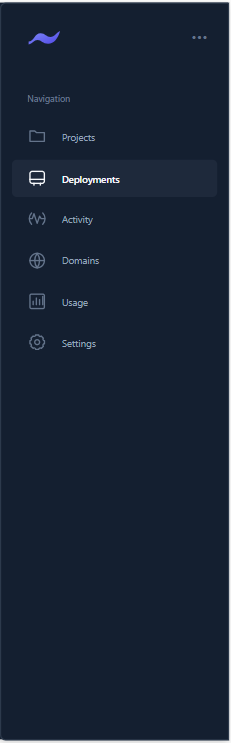
CanvasFully-featured navigation menu with dropdown support, mega menus, and sub-items.
Professional Power Apps components for your projects — copy, paste, and launch.
New
Fully-featured navigation menu with dropdown support, mega menus, and sub-items.
 New
New
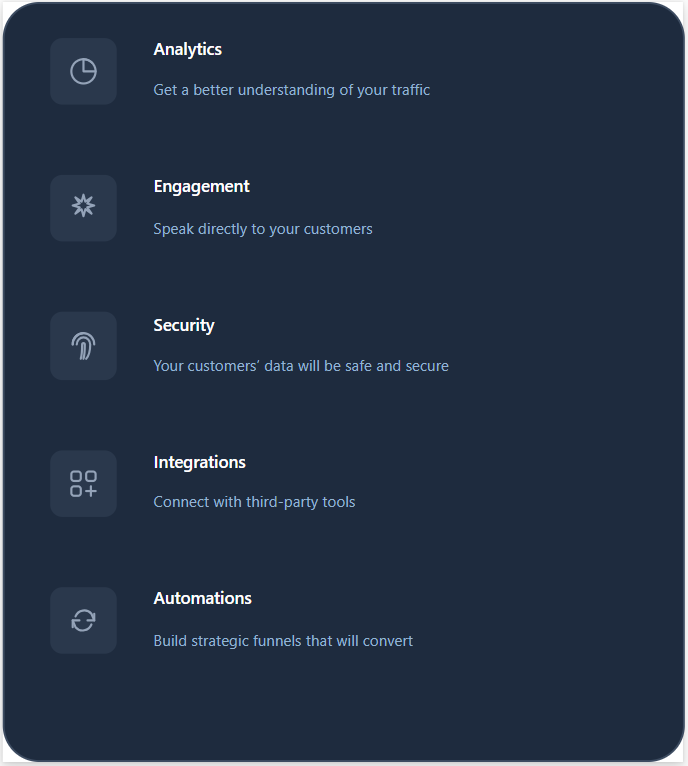
Responsive KPI dashboard component displaying key metrics in card format with icons, values, and trends.
 New
New
Material Design date picker with calendar view, date range selection, and input field variant.
 New
New
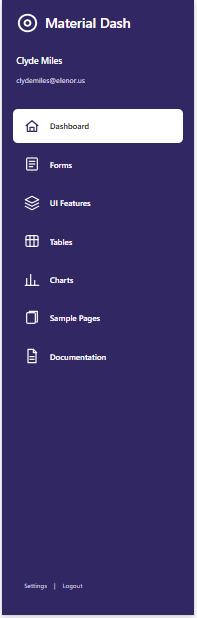
Collapsible sidebar navigator with dark/light themes, SVG icons, parent/child tree navigation, and badges.
 New
New
Material Design date picker with calendar view, date range selection, and input field variant.
 New
New
Material Design date picker with calendar view, date range selection, and input field variant.
 New
New
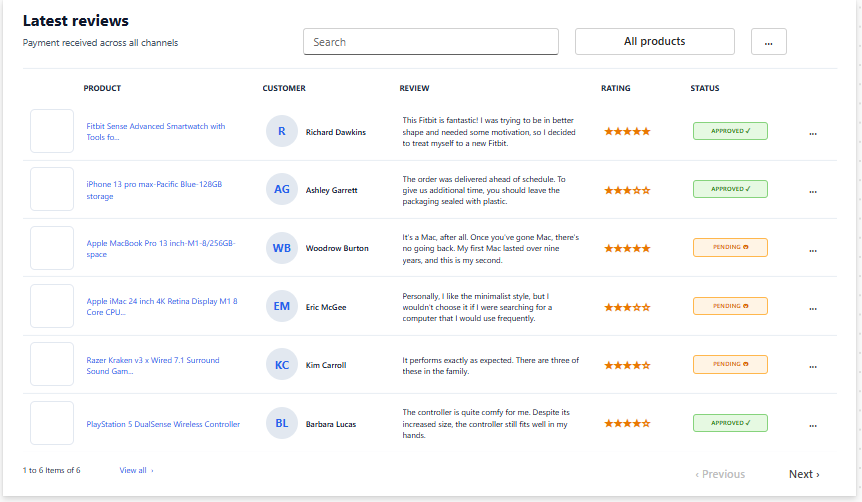
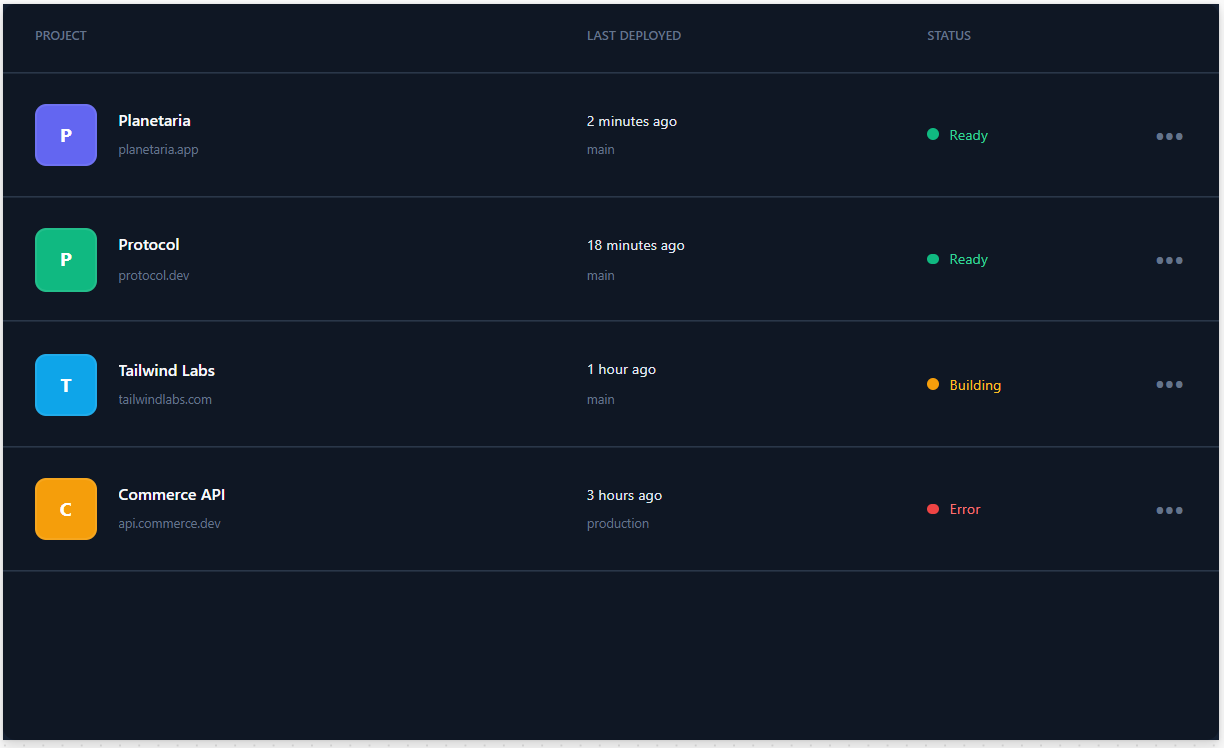
Enterprise-grade data table with context menus, status indicators, responsive columns, and advanced theming.
 Popular
Material Design segmented control with dynamic tabs, smooth sliding animation, and fully customizable colors.
 New
New
Responsive KPI dashboard component displaying key metrics in card format with icons, values, and trends.
 Popular
Material Design segmented control with dynamic tabs, smooth sliding animation, and fully customizable colors.
Professional notification indicators with pulse animations, custom icons, and smart count display.
Animated line chart with smooth curves, area fill, and interactive points for time-series data.
Interactive pie and donut charts with animations, legends, and customizable colors for data distribution.
Material Design bottom sheet for mobile actions and content. Modal and standard variants with snap points.
Smooth, accessible slider component with continuous, discrete, and range variants.
Upload files to SharePoint document libraries with validation, preview, and metadata display.
Compact, collapsible left rail for Canvas Apps with JSON-driven items, sections, footer/profile, and theming.